 Heardly
Расшифровка аудио и видеоTranscribing audio and video
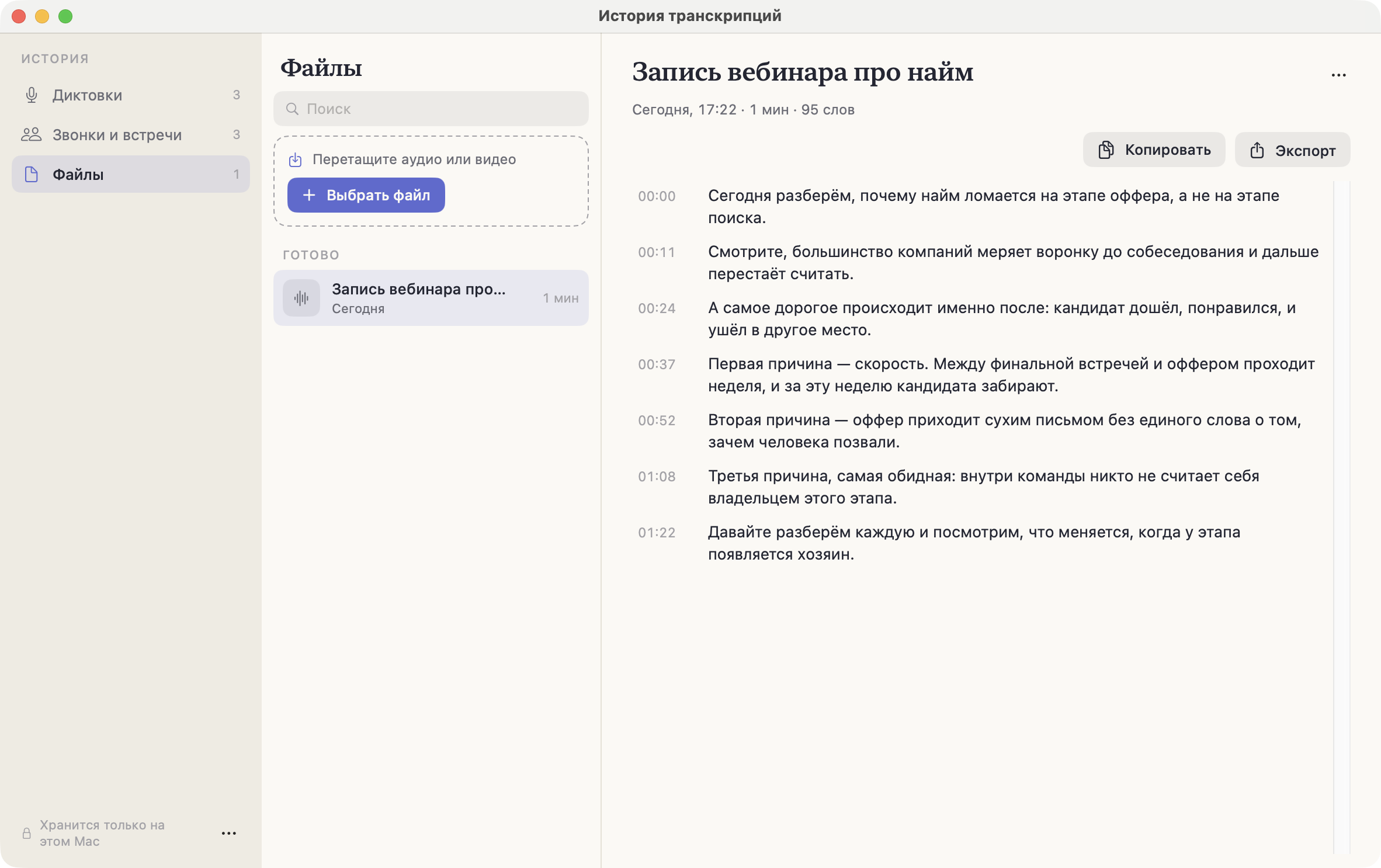
Готовую запись — звонок, интервью, вебинар, голосовое сообщение — можно отдать Heardly файлом. Расшифровка появится в Истории, в разделе «Файлы».An existing recording — a call, an interview, a webinar, a voice message — can be handed to Heardly as a file. The transcript shows up in History, in the “Files” section.
Бесплатно можно расшифровать 40 минут файлов в месяц. В Pro и в 14-дневный пробный период лимита нет.The free version transcribes 40 minutes of files a month. Pro and the 14-day trial have no limit.
Два способа отдать файлTwo ways to hand over a file
- Перетащить. Откройте попап Heardly и бросьте файл в зону внизу.
- Выбрать. В том же месте нажмите «или выберите файл». Можно отметить сразу несколько — они встанут в очередь.
Откроется История на разделе «Файлы», и там будет видно, что считается сейчас и что уже готово.
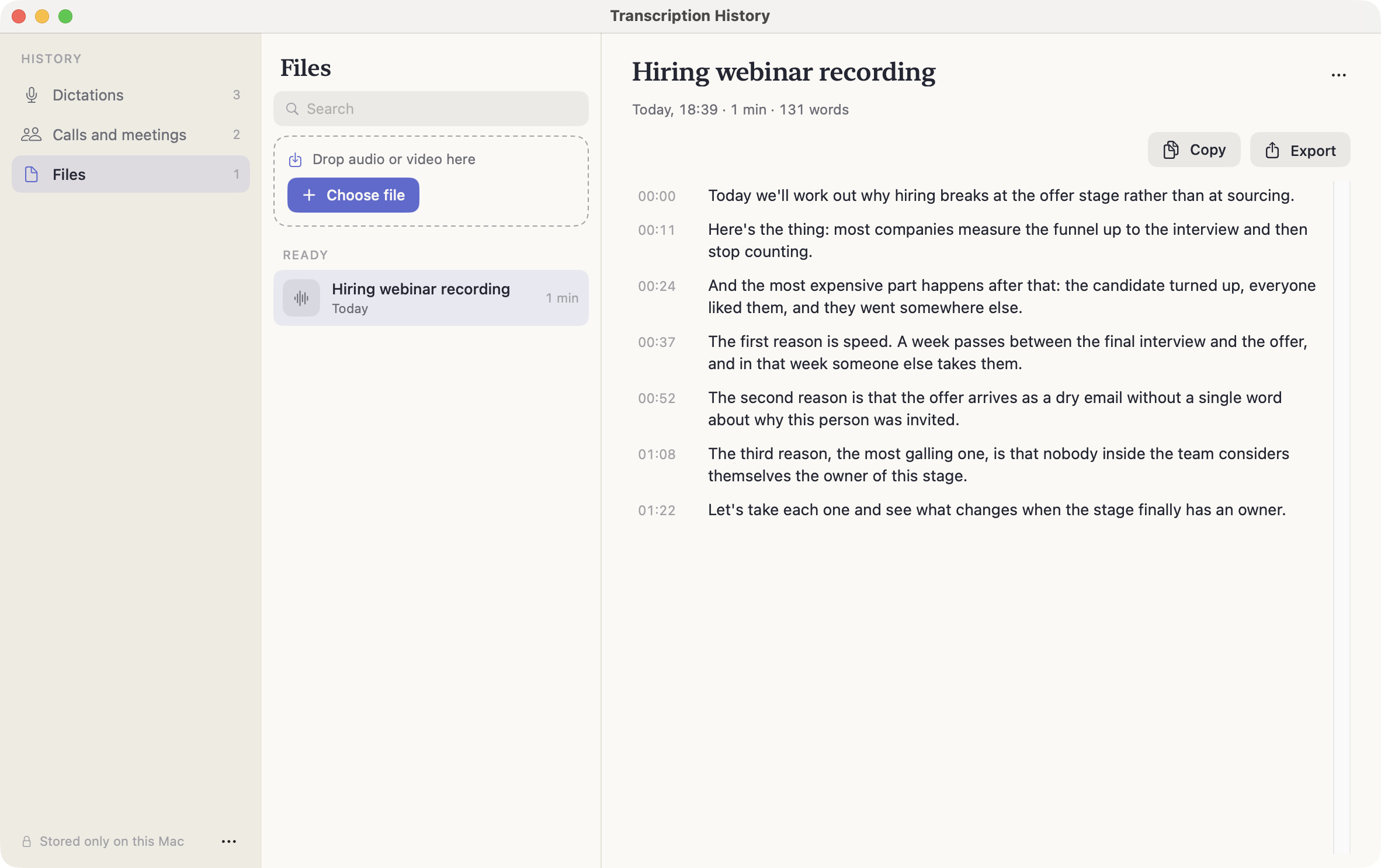
Either way, History opens on the “Files” section, where you can see what is being processed and what is already done.
- Drag it in. Open the Heardly panel and drop the file into the zone at the bottom.
- Pick it. In the same place, click “or choose file”. You can select several at once — they queue up.
Какие файлы подходятWhich files work
Любое аудио и видео, которое умеет открывать macOS: m4a, mp3, wav, aac, mp4, mov и прочие. Из видео Heardly берёт звуковую дорожку, картинка не нужна.
Any audio or video macOS can open: m4a, mp3, wav, aac, mp4, mov and the rest. From a video Heardly takes the audio track; the picture is not needed.
Что получитсяWhat you get
Текст с таймкодами: у каждой реплики своё время от начала записи, по нему удобно возвращаться к нужному месту в исходнике. Подписей источников здесь нет — в файле нет разделения на микрофон и звук приложений, оно появляется только в живой записи.
Результат можно выгрузить в восемь форматов, в том числе в субтитры SRT и VTT.
Text with timecodes: every line carries its time from the start of the recording, which makes it easy to go back to the right spot in the original. There are no source labels here — a file has no split between microphone and app audio; that only exists in a live recording.
The result can be exported to eight formats, subtitles in SRT and VTT among them.
Если расшифровать нужно десятки записей, удобнее команда heardly: её можно запустить в цикле и сразу сложить результат в нужные файлы.If you have dozens of recordings, the heardly command is easier: run it in a loop and write the results straight to the files you want.