 Heardly
Первая диктовкаYour first dictation
Самый короткий путь познакомиться с Heardly: открыть любое поле ввода, нажать горячую клавишу и сказать пару фраз.The shortest way to get to know Heardly: open any text field, press the shortcut and say a couple of sentences.
-
Поставьте курсор туда, где нужен текстPut the cursor where you want the text
Подойдёт что угодно: окно сообщения, письмо, поле поиска, редактор кода.
Anything will do: a message box, an email, a search field, a code editor.
-
Нажмите правый ⌘Press the right ⌘
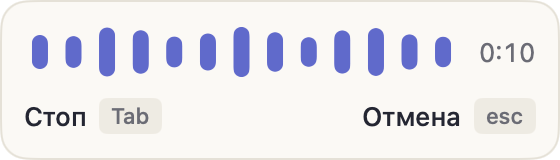
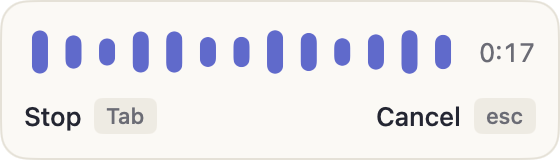
Это горячая клавиша по умолчанию. Внизу экрана появится панель диктовки с волной — значит, Heardly слышит вас.
That’s the default shortcut. The dictation bar with a waveform appears — that means Heardly can hear you.
-
Говорите обычным голосомSpeak normally
Не нужно диктовать по слогам и проговаривать знаки препинания — точки и запятые модель ставит сама.
No need to over-articulate or say the punctuation out loud — the model adds full stops and commas itself.
-
Нажмите клавишу ещё разPress the key again
Heardly дослушает фразу и вставит текст туда, где стоял курсор. Если передумали — esc отменяет вставку.
Heardly finishes the sentence and inserts the text where the cursor was. Changed your mind? esc cancels the insert.
Если правый ⌘ у вас занят, назначьте другое сочетание в Настройках → Основные. Там же выбирается, работает клавиша как выключатель или как кнопка, которую надо держать.If the right ⌘ is already taken, assign another shortcut in Settings → General. The same place lets you choose whether the key toggles recording or records only while held.